
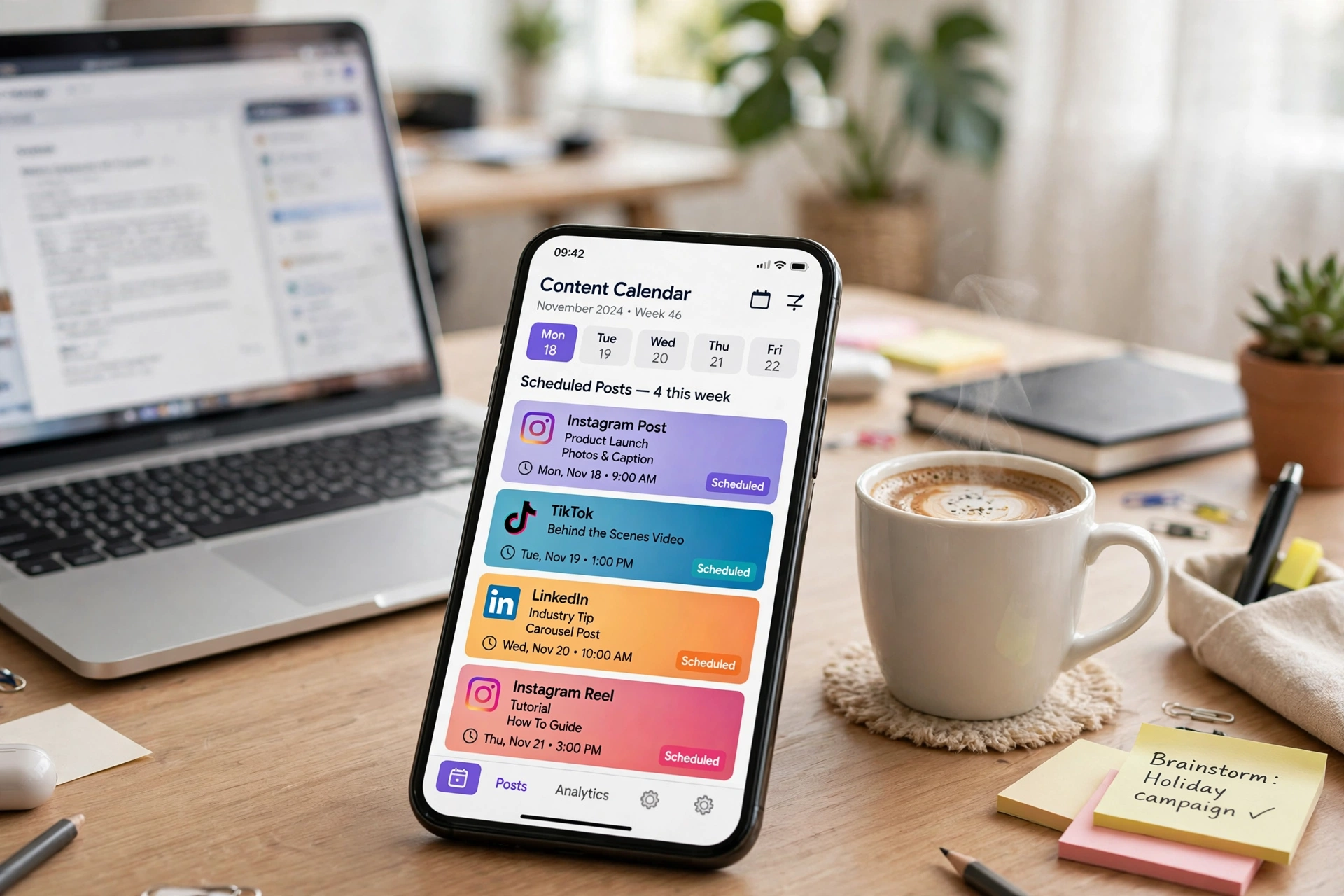
Posting on social media every day is hard when you are also running a business. The work piles up, the posts go out late or not at all, and the account slowly goes quiet. Scheduling fixes that. You write a batch of posts once, pick the times, and the tool publishes them for you. The best part is that you do not need to pay for it. Several genuinely free tools and every major platform’s own scheduler cover the whole workflow. This guide shows you how to set it up.
Start with Meta Business Suite if you live on Facebook and Instagram
If your audience lives on Facebook and Instagram, start here. Meta Business Suite is Meta’s own free tool, so there is no plan to outgrow and no post cap. You need a Facebook Page, and your Instagram account must be a Business or Creator account. Go to business.facebook.com, confirm your Page and Instagram account are connected under Settings, then Accounts. Click Create, then Post, choose your placements, write your caption, add your image or video, and instead of publishing immediately, click Schedule. Choose your date and time, up to 75 days out, and confirm. Meta even recommends times based on when your followers are most active. One limitation: native scheduling works for Pages and Groups, not personal Facebook profiles, and music on Reels sometimes falls back to manual publishing because of rights.
Buffer’s free plan: simple scheduling for three channels
Buffer is the tool most people try first, and the free plan explains why. It connects three channels and keeps ten scheduled posts in the queue for each one, so up to thirty posts can wait at once. As posts go out, slots free up again, so a weekly batching habit fits comfortably. Create an account at buffer.com and pick the free plan. Connect up to three channels: Instagram, X, LinkedIn, Facebook, YouTube, TikTok, or others. Set a posting schedule per channel, such as Instagram at 9 AM and 6 PM on weekdays. Create posts in the composer; anything you do not assign a specific time to joins the queue and publishes at your next scheduled slot. Buffer’s strength is simplicity, but the ten-post queue means you will refill it regularly if you post daily.
Metricool: free analytics plus scheduling
Metricool pairs scheduling with genuinely useful free analytics, which most free schedulers leave out. The free plan covers one brand with around twenty scheduled posts a month, thirty days of analytics history, and tracking for five competitor profiles. That is enough for two or three posts a week with full analytics attached. The catch: the free plan excludes LinkedIn and X, so it fits Facebook, Instagram, TikTok, YouTube, and Pinterest workflows best. If you want to see what worked, not just post, Metricool is the free plan to try. Free limits change fast, though: Metricool cut its free plan from fifty to twenty posts a month, and many reviews still show the old number, so confirm the current limit on the pricing page before you commit.
Publer and the other free options
Publer feels a lot like Buffer. The free tier covers three social accounts, with X excluded, and holds ten scheduled posts at a time for each account. Its calendar view makes it easy to see gaps in your week. Adobe Express allows up to a thousand posts a month on its free plan, with one account per network, which suits people who design their own graphics. Pallyy gives one social set and fifteen posts a month, images only, which fits Instagram-first brands. Social Champ gives three accounts and fifteen scheduled posts, which suits small teams that want an inbox. Planable gives your first fifty posts, one time, which suits getting a client or boss to approve posts. Check network support first, because Publer Free skips X and Metricool Free skips both LinkedIn and X. Pick the tool that covers the networks you actually use, not the one with the longest feature list.
Do not forget the native schedulers
Before signing up for anything, check the schedulers built into each platform, because they are free and have no third-party limits. YouTube Studio lets you schedule videos and Shorts when you upload. LinkedIn has a clock icon in the post editor that schedules up to ninety days ahead. TikTok Studio on desktop lets you schedule videos. X lets you schedule from the desktop composer. Native scheduling is the simplest option if you only post on one or two platforms, and it never breaks when a third-party tool changes its rules.
A batching workflow that stretches a free plan
A free plan goes further with a simple weekly routine. Plan on Monday: pick three themes for the week, such as a product tip, a behind-the-scenes photo, and a customer question answered. Write on Tuesday: draft all the week’s posts in one sitting, with captions and hashtags, and prepare the images. Schedule on Wednesday: load everything into your chosen tool, set the times, and check the calendar for gaps. Then spend ten minutes a day replying to comments, which no scheduler can do for you. Batching turns social media from a daily scramble into a two-hour weekly job, and it keeps your account posting even on your busiest days.
What to post, and how often
Scheduling is only half the job. What you schedule matters just as much. Aim for a mix: useful tips, behind-the-scenes glimpses, customer stories, and the occasional offer. A good rule is roughly eighty percent useful or entertaining content and twenty percent selling. Post consistently rather than constantly: three good posts a week beat seven rushed ones. Watch which posts get replies, saves, and shares, not just likes, and make more of what works. And never schedule and forget: a scheduled post still needs you to answer the comments it earns, because the conversation is where the customers are.
Mistakes to avoid
Do not schedule the same post to every network without adjusting it. A caption that works on LinkedIn reads oddly on TikTok. Do not fill your queue with sales posts; a feed that only sells gets ignored. Do not schedule posts and then disappear for a month; followers notice, and the algorithm does too. And do not pay for a scheduler until the free plan is genuinely too small for you. Most small businesses never outgrow a free plan, and the money is better spent on better photos or a small ad test.
Final thought
Scheduling social media posts for free comes down to three things: pick the free tool that covers your networks, batch a week’s posts in one sitting, and spend a few minutes a day on the replies. Start with Meta Business Suite if you live on Facebook and Instagram, or Buffer if you post on three networks. Set it up this week, and your account will keep working for you even on the days you are too busy to post. That consistency is what turns followers into customers.